TMS PIM — AI translation management system
Product-catalogue translation turned from a copy-paste chore into a review-and-approve workflow, driven by an Azure AI translator trained on the company’s own product copy — and every human correction feeds back as training data.
An industrial product catalogue holds thousands of products, each with short text, long description and key selling points that all have to exist in a dozen languages. Off-the-shelf machine translation mangles domain terminology, and doing it by hand does not scale. The goal was to get the speed of machine translation and the judgement of a human expert, without the two fighting each other.
What it does
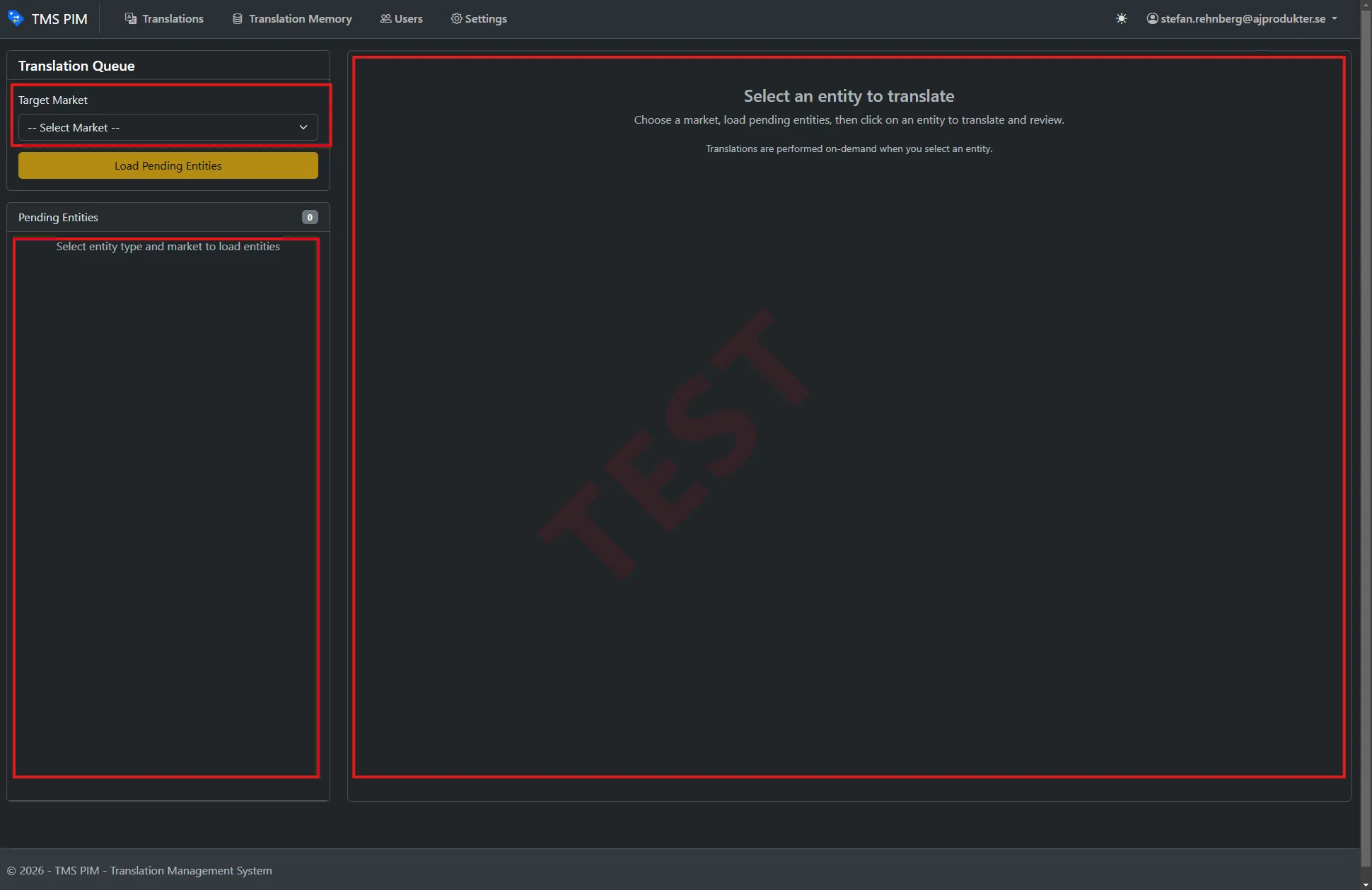
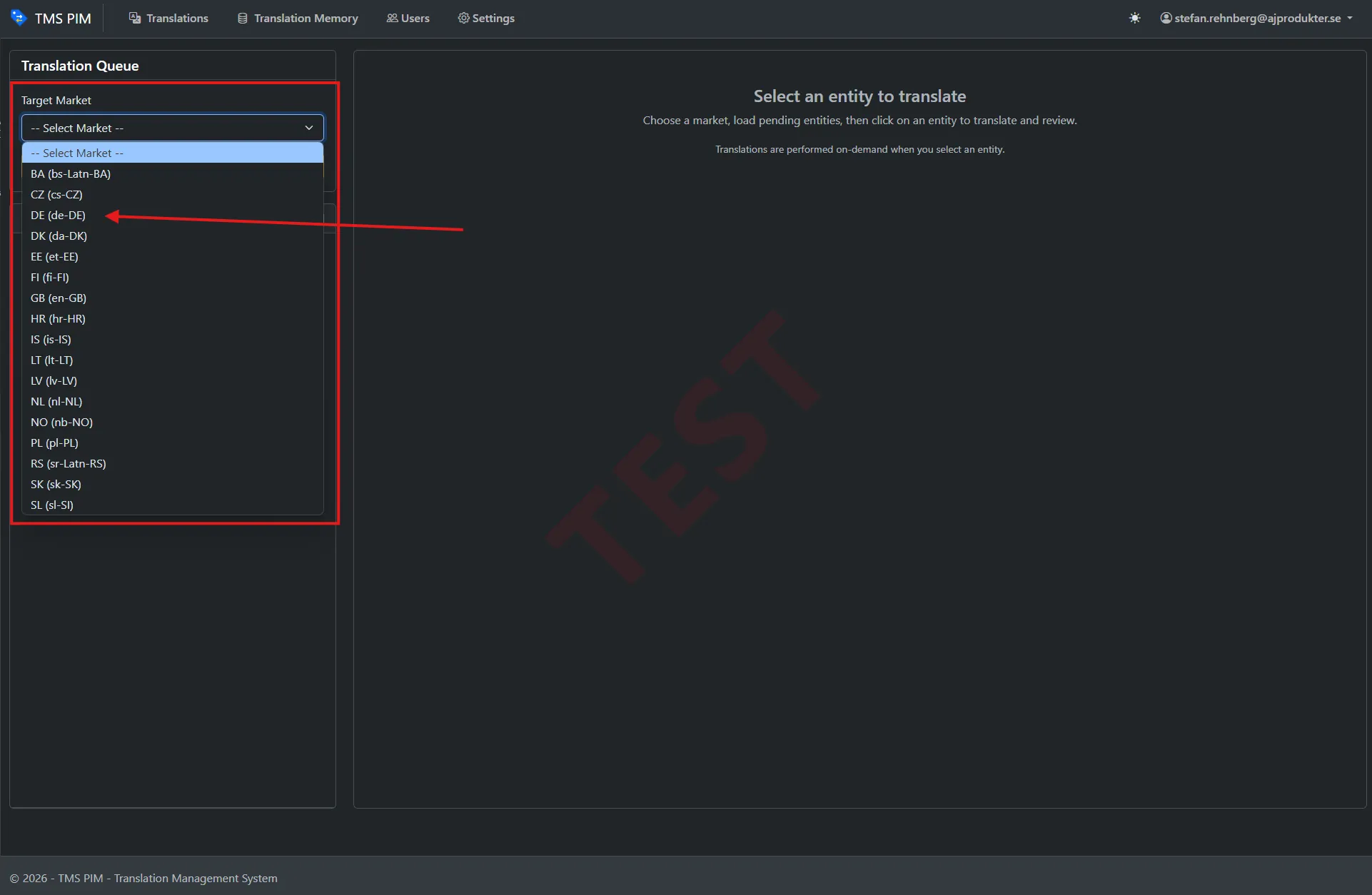
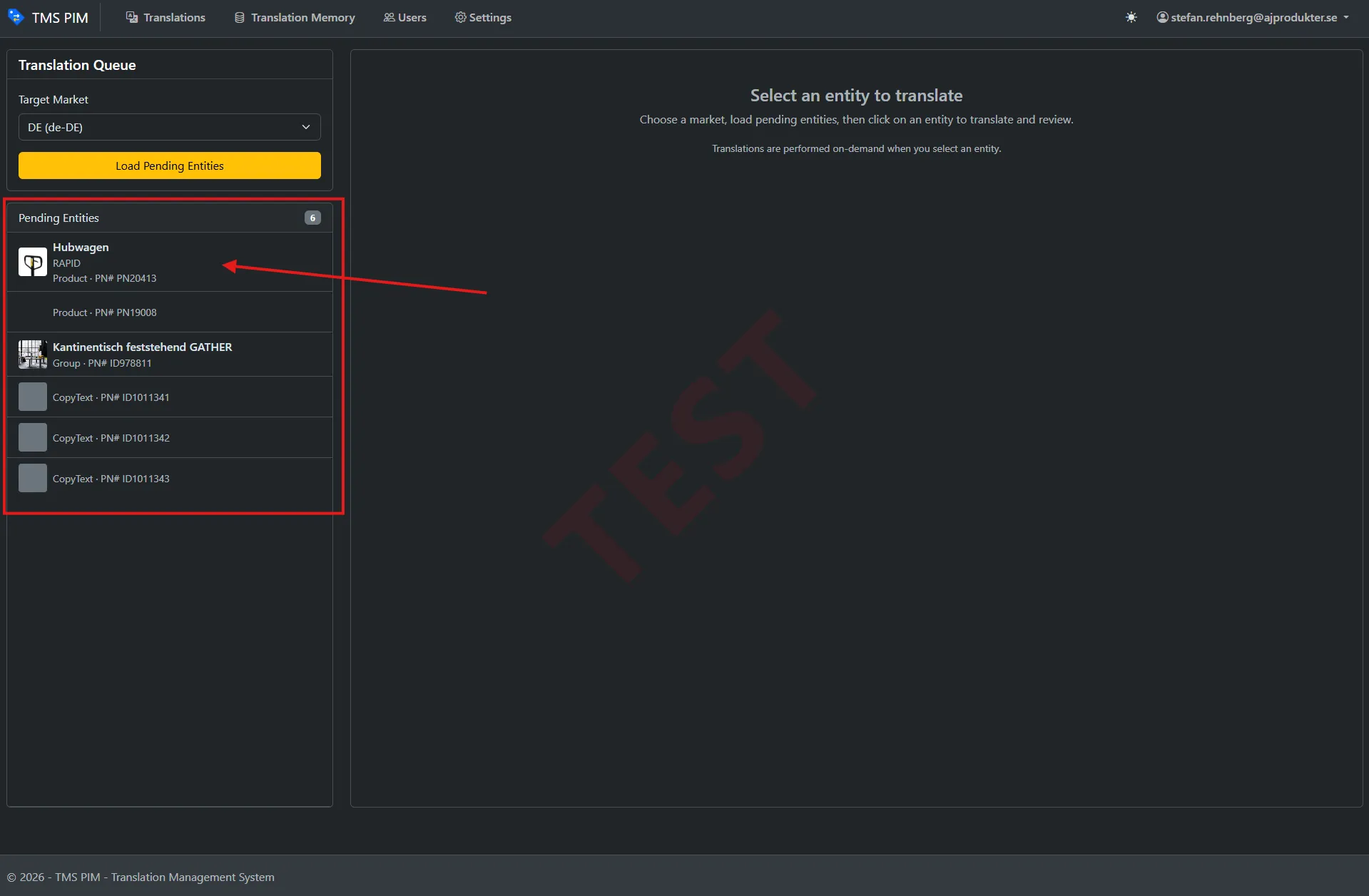
A market-driven queue. The translator picks a target market, and the app asks the PIM for exactly those products flagged as pending translation for it.
On-demand AI translation. Selecting a product streams a live translation of every translatable field through a custom Azure AI Translator model trained on the company’s own product texts, so it already speaks the brand’s vocabulary rather than generic dictionary language.
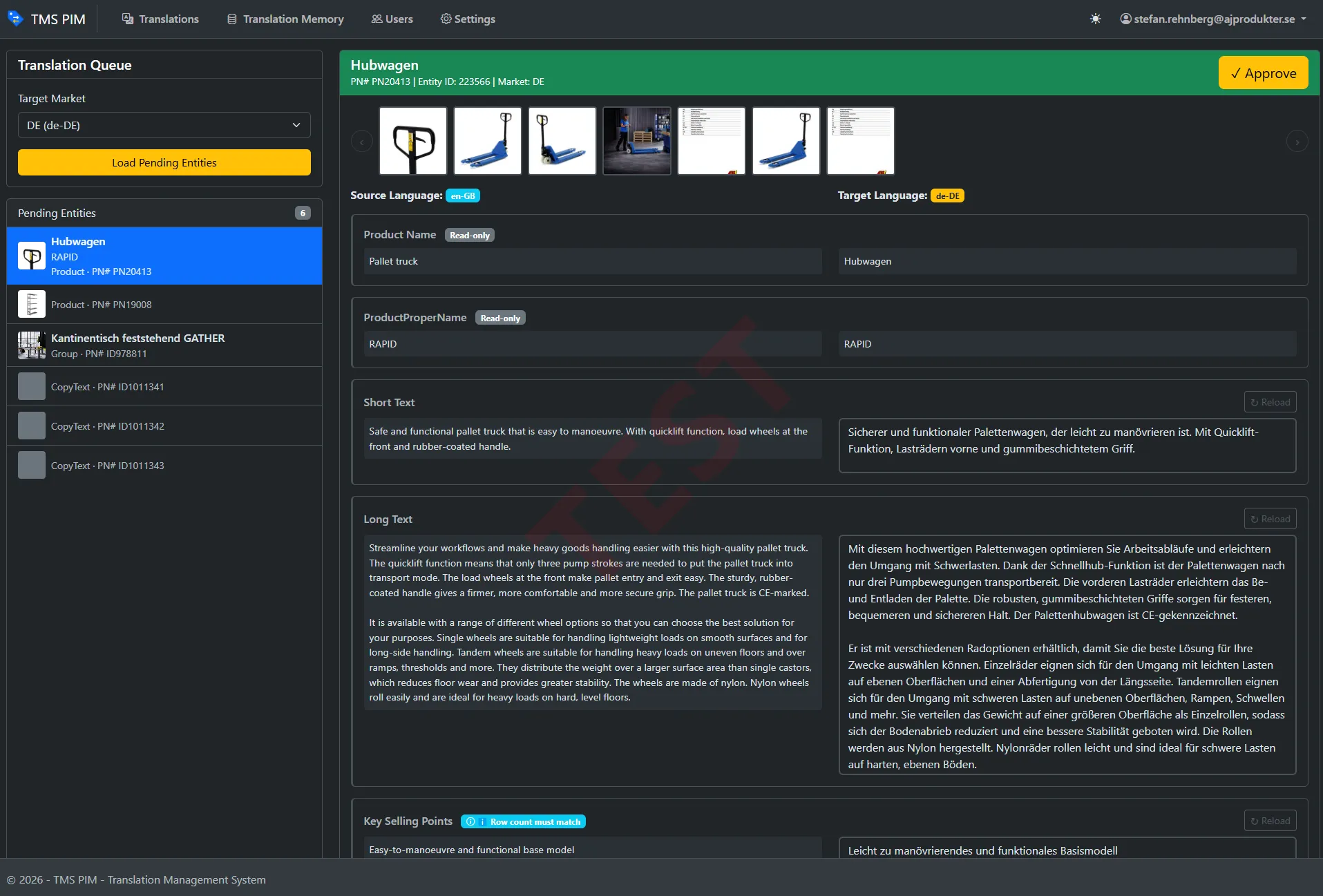
Human review, side by side. Source and machine translation sit next to each other. The translator edits any field, with visual indicators for what has changed and a one-click reset back to the machine output.
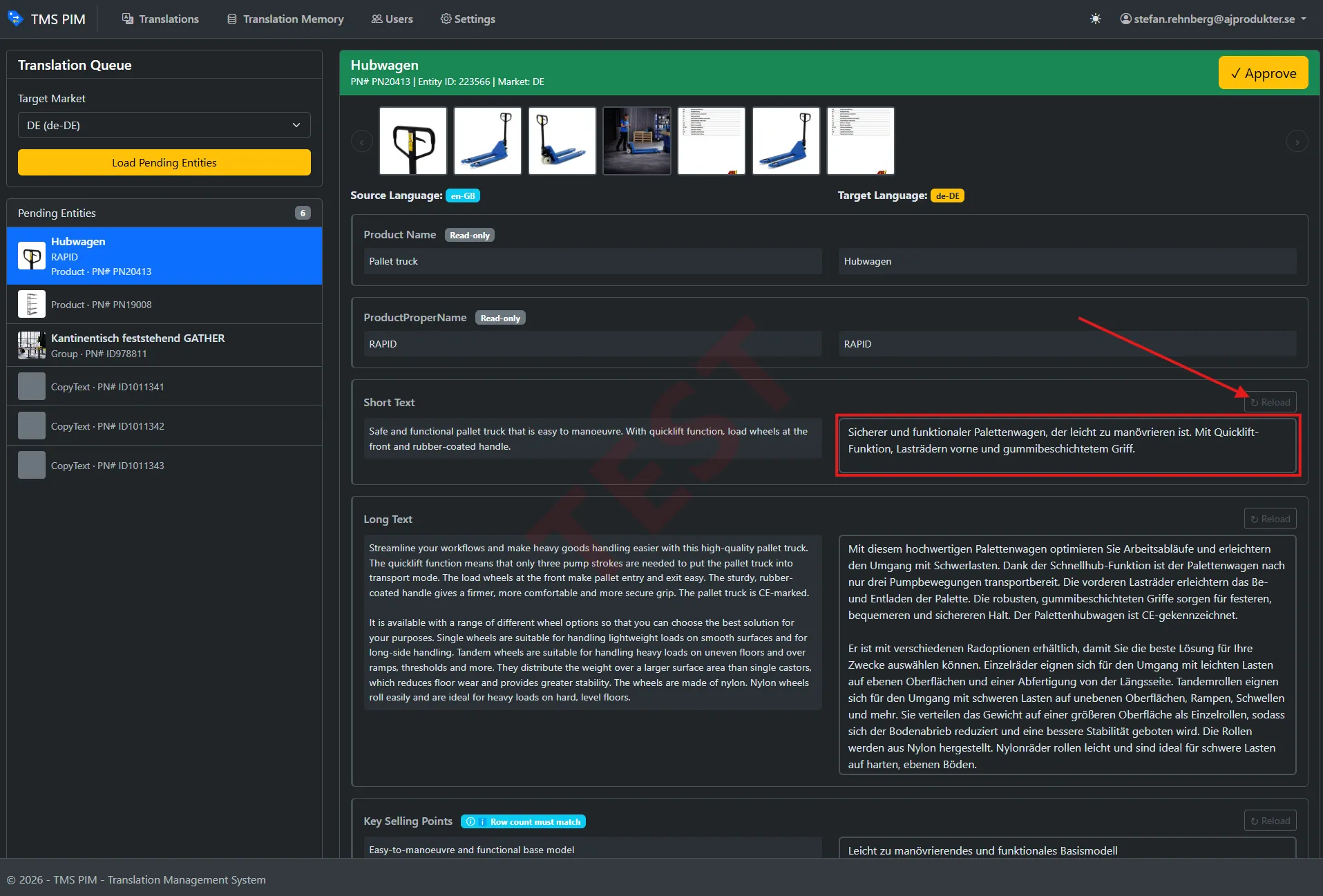
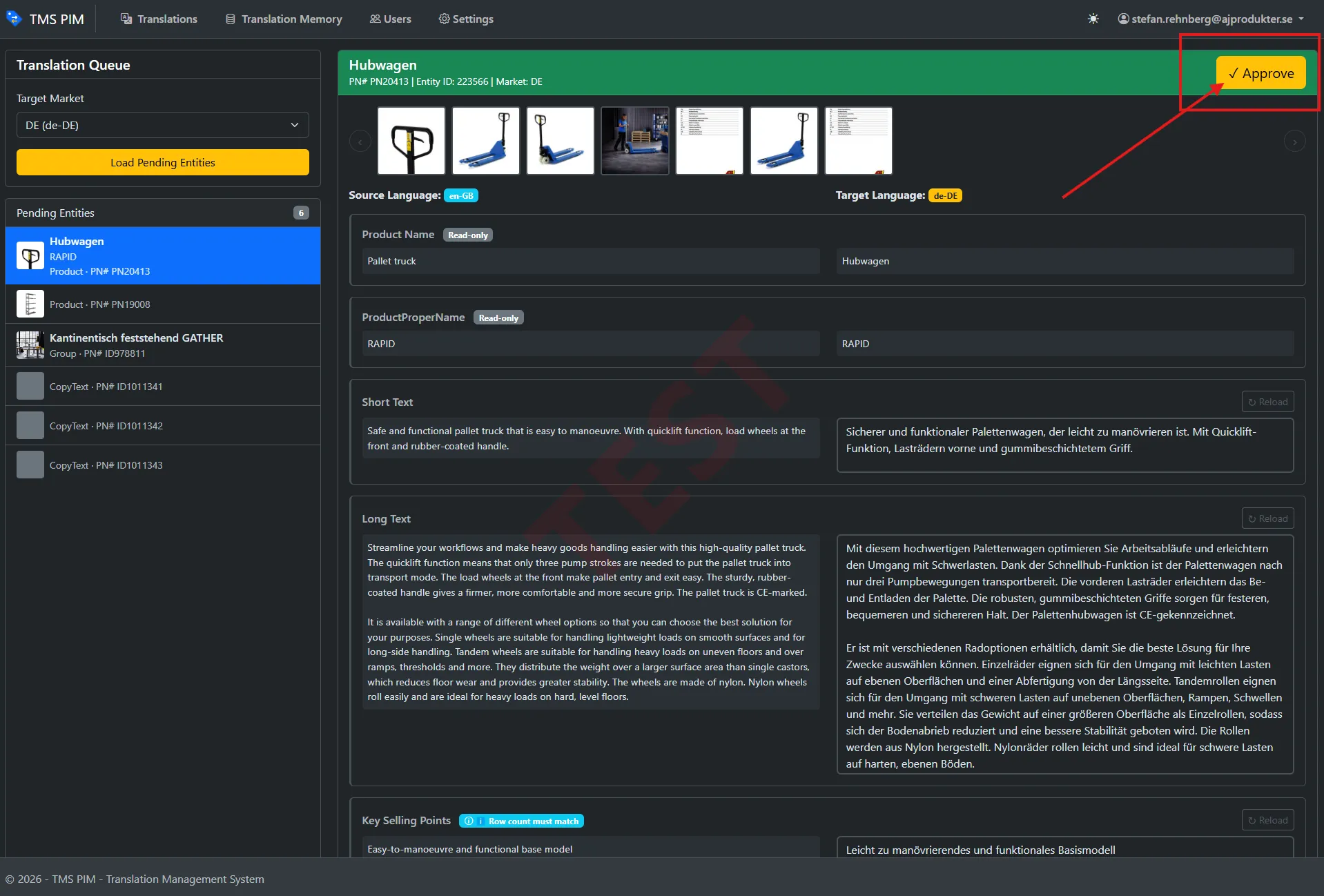
Approve back to the PIM. Approving writes the finished translations straight into the product record and clears that market from the product’s pending list, closing the loop in one click.
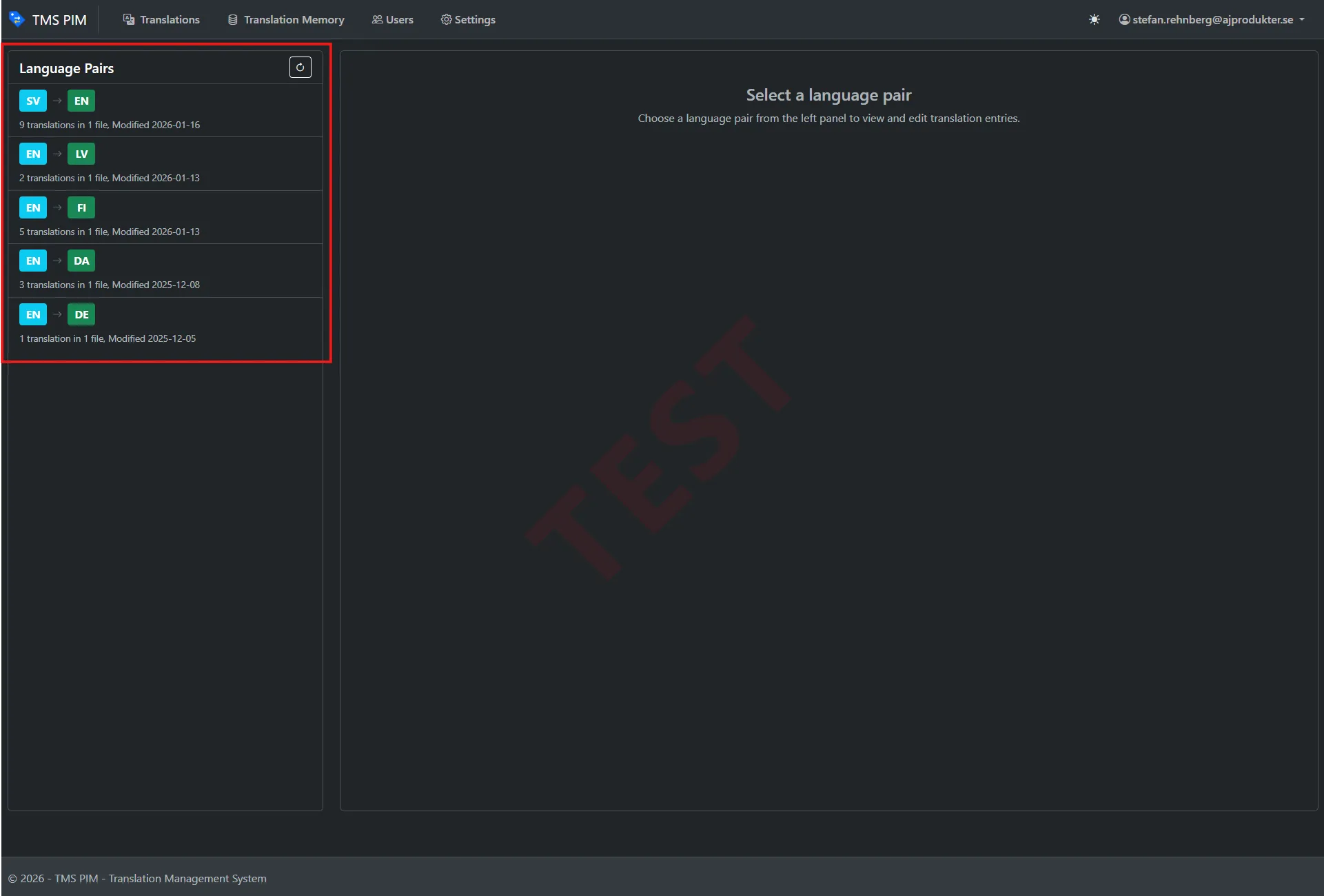
A translation memory that learns. When a translator improves a machine translation, that source-to-corrected pair is saved to a translation memory in the industry-standard TMX format. Over time it becomes a growing, searchable, editable corpus that both sharpens the custom model on retraining and serves as an audit trail.
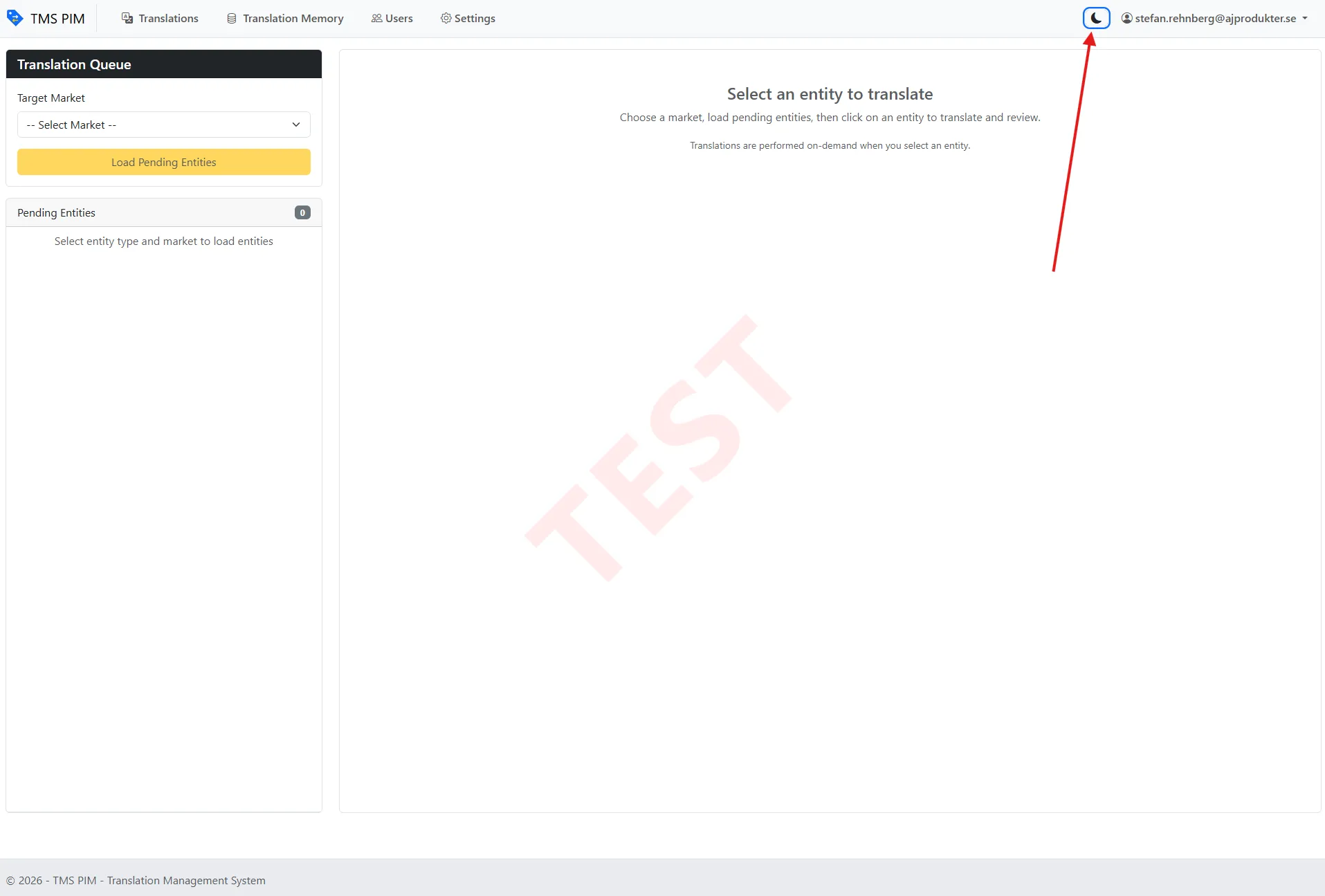
Built for daily use. Real-time progress over server-sent events, a light and dark theme, and an environment watermark so nobody confuses TEST with PROD.
How it’s built
| Area | Technology |
|---|---|
| Web app | ASP.NET Core MVC (.NET 10) |
| Frontend | Bootstrap 5.3 with light and dark themes, jQuery, server-sent events for live progress |
| Machine translation | Azure AI Translator with a custom model trained on in-house product copy |
| Product data | Integration with the PIM over its API |
| Translation memory | TMX files, thread-safe with atomic writes |
| Auth | Microsoft Entra ID with a database-backed user allowlist |
| Logging | Serilog |
Engineering highlights
- A model that speaks the brand. Rather than accept generic machine-translation quality, the translator was trained on the company’s real, human-written product texts, which cut the editing burden on common phrasing dramatically.
- English-pivot translation for unsupported pairs. For pairs the platform cannot train directly — Swedish to Norwegian, say — the system automatically pivots through English across two custom models sharing one category. Invisible to the user, and no code change per pair.
- Config-driven multi-brand isolation. The same codebase runs as fully separate deployments for different brands, each with its own Azure resources, users and translation memory, purely through configuration. No fork, and no multi-tenancy risk.
- The virtuous loop. A human correction does not just fix one product; it becomes training data. The tool gets measurably better the more it is used.
Impact
Translating the catalogue shifted from slow manual work to a quality-controlled pipeline where the machine writes the first draft and human experts spend their time only on refinement — with every refinement compounding into a smarter model and a richer translation memory.